How to download
xHamster videos
If the video is already playing in Chrome, you are most of the way there. This is the short, private route from a watch page to a file on your computer.
Install the Chrome extensionFree · no account · works in the tab you already use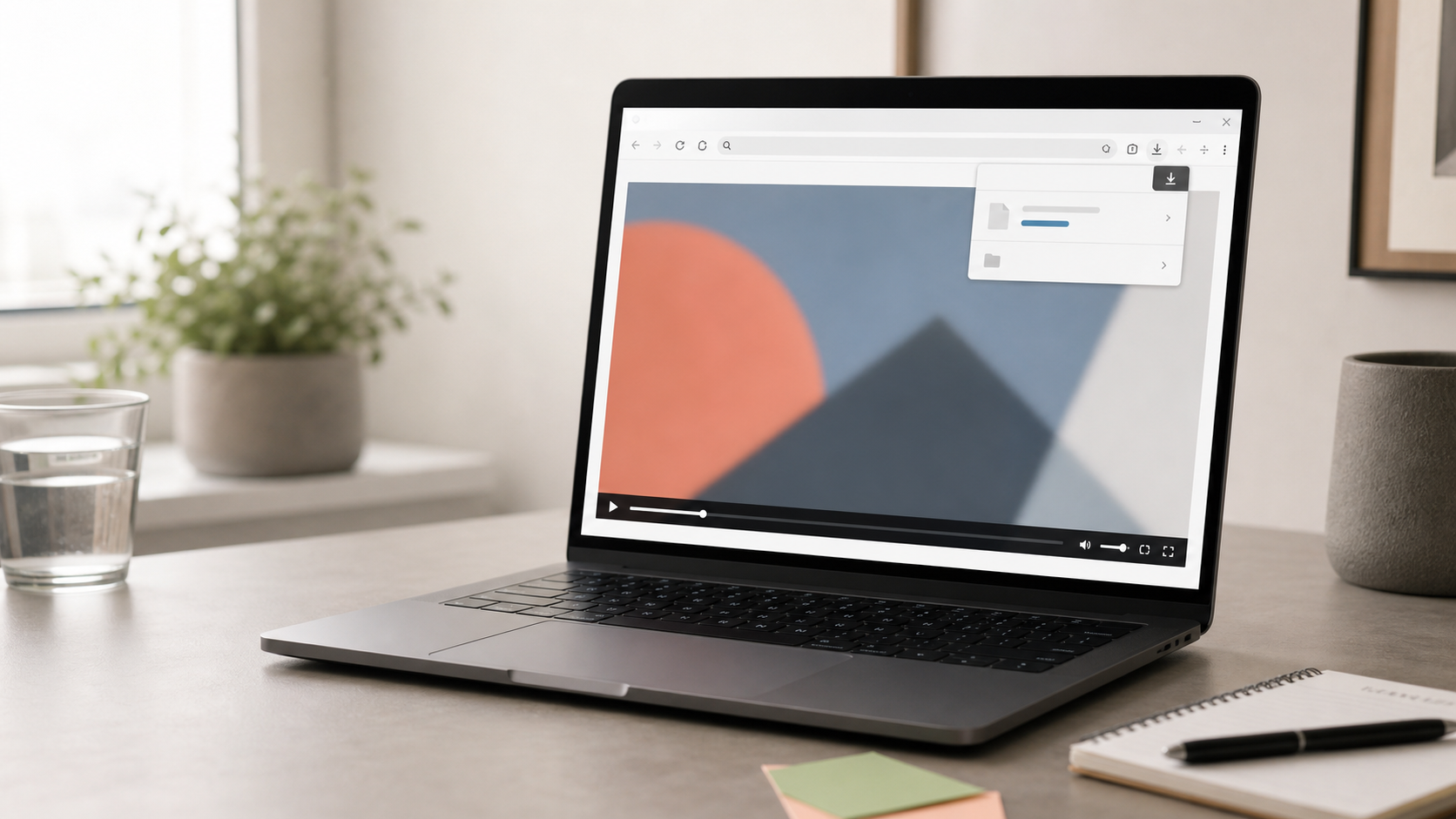
Before you start
Stay on the page you trust.
Install the extension from the Chrome Web Store, then open the xHamster watch page normally. Do not paste the URL into a third-party downloader. The extension works with the tab in front of you.
Install DL4Video
Click the install button above. Once Chrome confirms the extension, its icon is available in your toolbar.
Open a video and press play
Let the video begin for a moment. You do not need to copy its address or leave the watch page.
Choose the detected video
Open DL4Video from the toolbar. Pick the video entry, choose the quality shown, and save it to your Downloads folder.
If the button is quiet
Give the player a moment.
Some xHamster pages load the player after the rest of the page. Refreshing too quickly can interrupt that handoff. Let the video play, then open the extension again. If the page itself is blocked on your network, the extension cannot make the page appear.
That is the whole workflow
Watch → open → save.
DL4Video keeps the action close to the tab instead of sending your link through a separate conversion site. Save only videos you are allowed to keep.